Highlight, Save, and Remember Anything You Read Online
Shine a Light on the Ideas That Matter - Install LinkLight and turn your browsing into a library of insights you'll never lose.
Powerful Features
Everything you need to manage your notes efficiently
Save Highlights Instantly
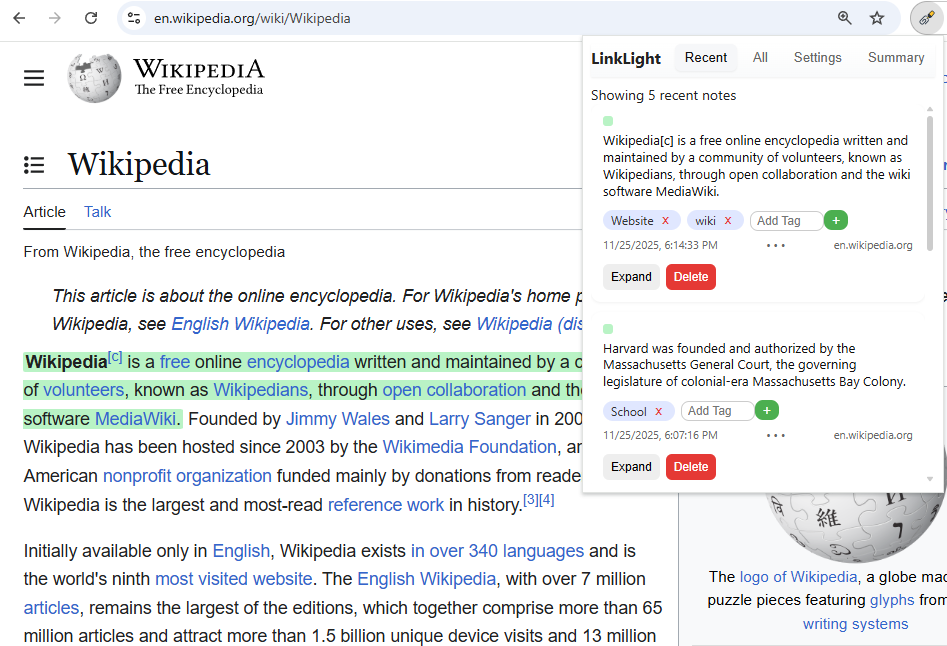
Highlight text to capture insights without interrupting your flow.
Smart Organization
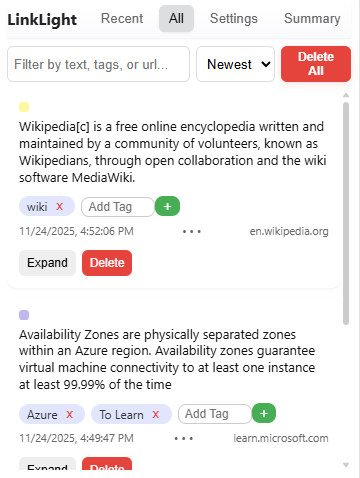
Automatically categorize links with tagging and create custom collections that match your workflow.
Perfect Contextual Recall
Every note remembers exactly where it came from, so you can jump back to the original page anytime.
Powerful Search and Filters
Find any link in seconds with full-text search across titles, URLs, and notes.
Private & Local-First
Your notes are stored safely in your browser (not on our servers).
Custom Highlight Colors
Organize your thoughts your way by color-coding topics, projects, or moods.
How It Works
Get started in three simple steps
Install the Extension
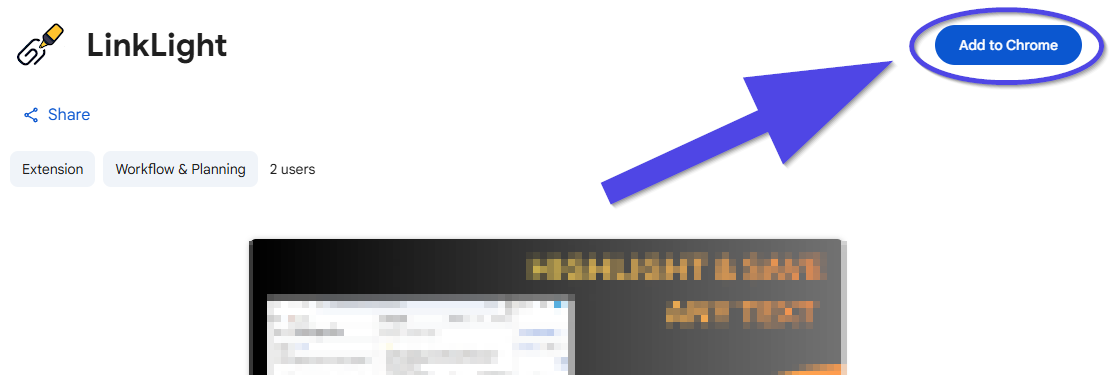
Add LinkLight to Chrome in one click from the Chrome Web Store. Setup takes less than 30 seconds.
Save Your Notes
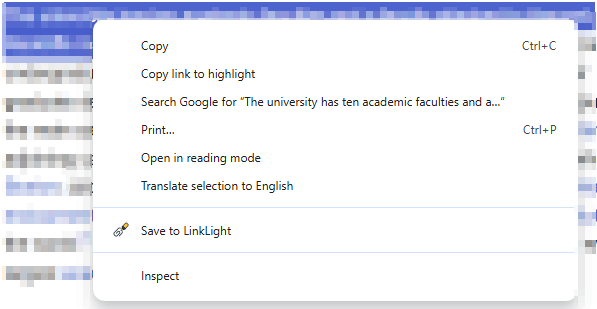
Multiple ways to save your notes by using the inline popup menu, context menu, and even a keyboard shortcut!
Access Anywhere
Use the popup to browse your collections, configure highlight colors, apply tags to your notes, and view a summary of your notes. Your links are always one click away.